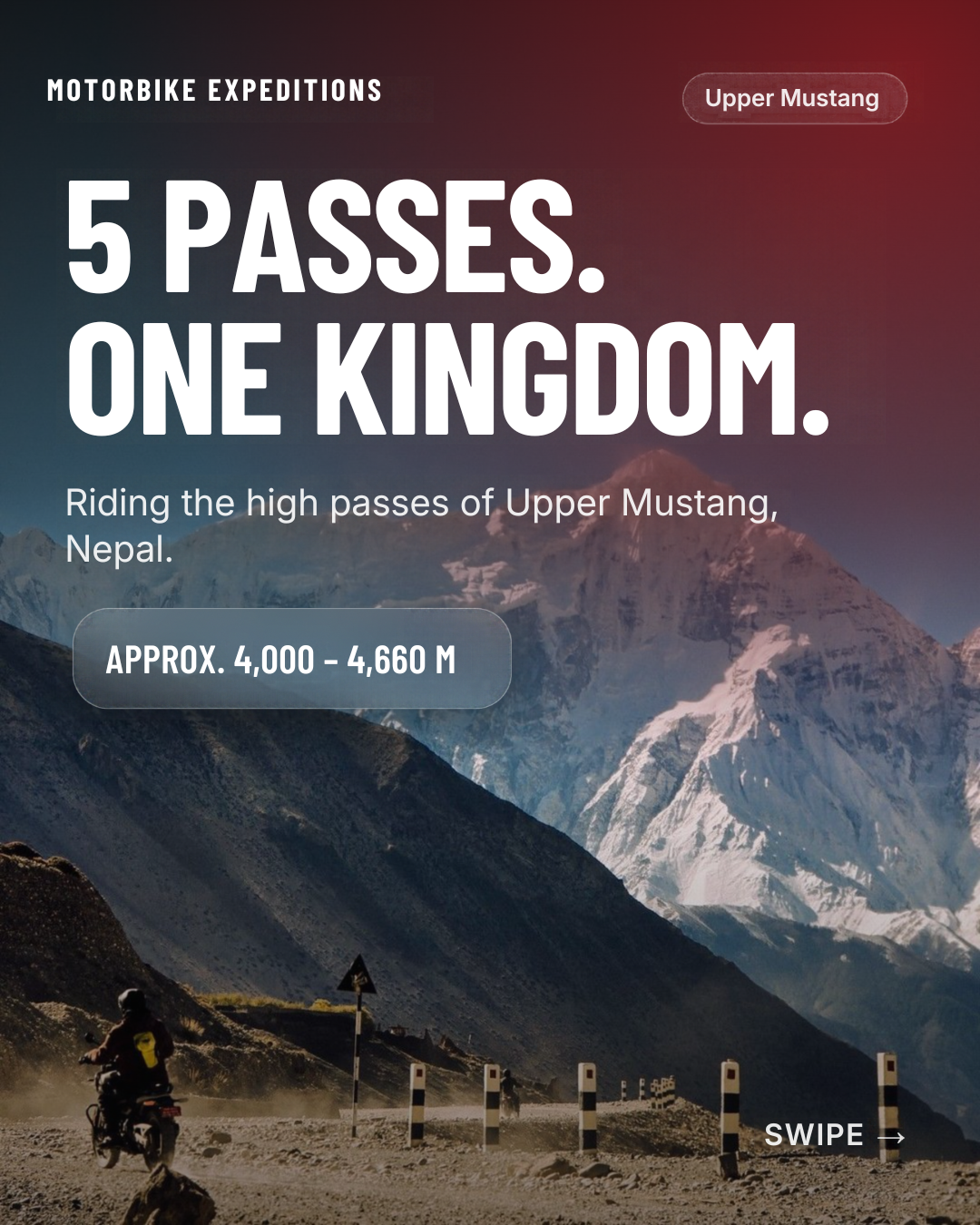
Test Post: Riding the Himalayas with Motorbike Expeditions
This is a test post to check every feature of the blog editor. Open this file in a browser, select all, copy, and paste it into the editor. Then check each section below.
1. Text Styles
Bold text, italic text, underlined text, strikethrough text, and inline code.
Bold + italic + underline combined
2. Colors and Highlight
Red text color, blue text color, and yellow highlighted text.
3. Links
Visit Motorbike Expeditions to see our upcoming rides. This link should open correctly and be styled as a link.
4. Headings
Heading 1
Heading 2
Heading 3
Heading 4
5. Alignment
Left-aligned paragraph.
Center-aligned paragraph.
Right-aligned paragraph.
Justified paragraph: the road to Leh climbs through high passes, thin air, and endless valleys. This longer sentence exists so the justify alignment can be seen stretching across the full width of the editor.
6. Lists
Bullet list:
Ladakh
Bhutan
Nested item A
Nested item B
Nepal
Vietnam
Numbered list:
Book your seat
Prepare your gear
Arrive and ride
7. Blockquote
The mountains are calling, and the road is the only answer. (Test quote)
8. Code Block
function ride(route) {
  return `Starting ${route} expedition`;
}
console.log(ride("Ladakh"));
9. Tables (all types)
9.1 Basic table with header row
9.2 Table without header (all plain cells)
9.3 Header column (first column as header)
9.4 Header row + header column
9.5 Merged cells (colspan)
9.6 Merged cells (rowspan)
9.7 Merged cells (rowspan + colspan together)
9.8 Column alignment (left, center, right)
9.9 Vertical alignment (top, middle, bottom)
9.10 Cell background colors and text colors
9.11 Formatted content inside cells
9.12 Empty cells and single-character cells
9.13 Single cell table (1x1)
9.14 Single row table (1xN)
9.15 Single column table (Nx1)
9.16 Long text wrapping in cells
9.17 Wide table (many columns, check horizontal scroll on mobile)
9.18 Long table (many rows)
9.19 Table with caption
9.20 Table with footer row (totals)
9.21 Numbers, currency and symbols
9.22 Borderless / minimal table
9.23 Full-width vs narrow table
9.24 Nested table (table inside a cell)
9.25 Table-editing actions (do these manually in the editor)
Insert a new table from the toolbar (try different sizes)
Add row above / below
Add column left / right
Delete row, delete column, delete whole table
Merge selected cells and split a merged cell
Toggle header row / header column
Resize column widths by dragging
Move cursor with Tab and Shift+Tab between cells
Press Tab in the last cell (should add a new row)
Select multiple cells and apply bold, color, background, alignment
Copy and paste cells, rows and a whole table
Undo and redo after each table change
Put cursor before / after a table and check you can type there
10. Horizontal Rule
Content above the line.
Content below the line.
11. Emoji
Emoji test: 🏍️ 🏔️ 🇧🇹 🇳🇵 🇻🇳 ☀️ ❤️
12. Image and Video
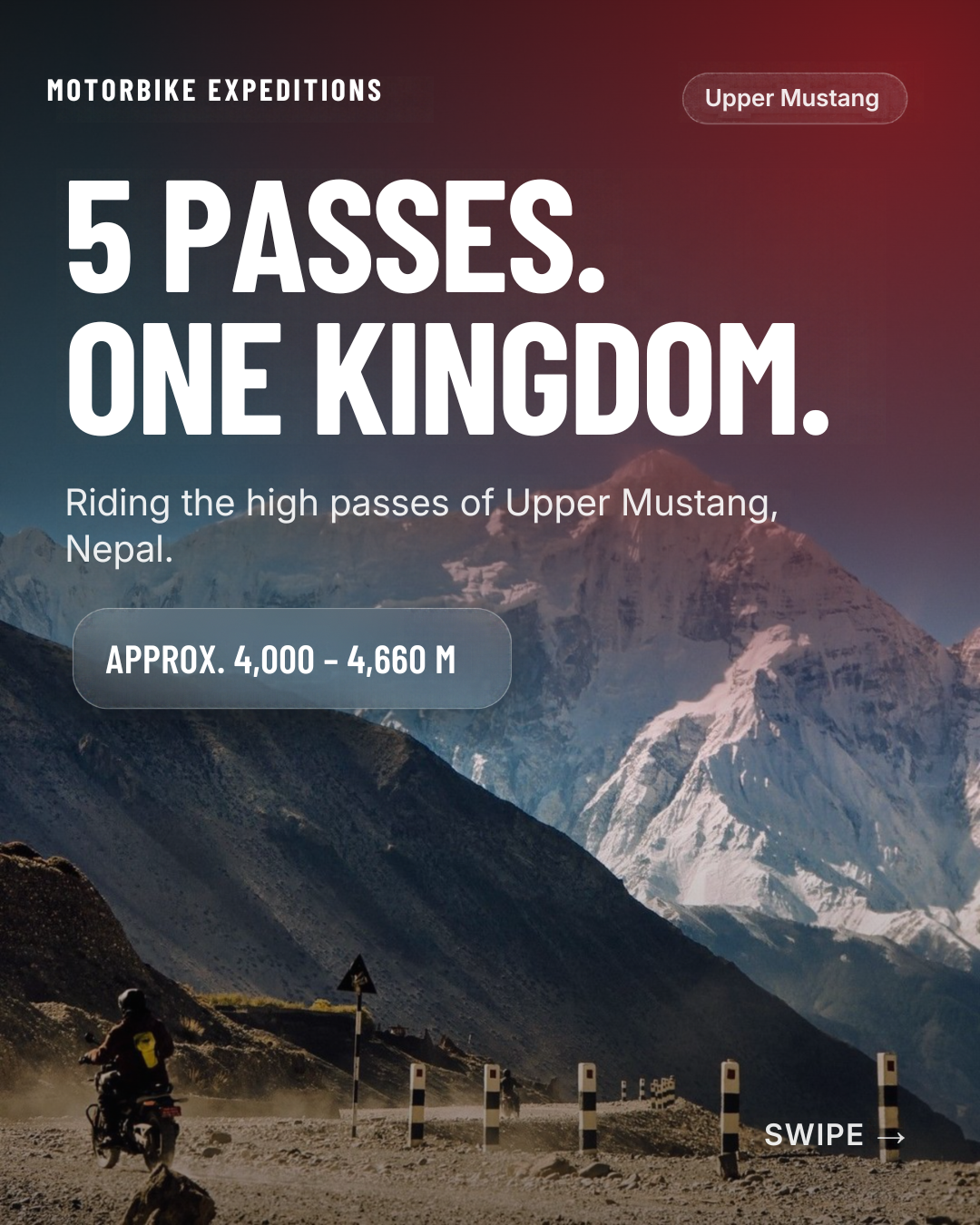
Use the toolbar image button to upload an image here, then check resizing, alignment, alt text, and caption:
Use the video button to embed a YouTube link here, then check it plays in preview:
13. Indent / Outdent
Select this paragraph and use indent, then outdent. It should move right and back.
Select this bold red text and click the clear formatting button. It should return to plain text.
That's the end of the test post. Now check: undo/redo, word count, save draft, preview, publish, edit after publish, and how it looks on the live blog page.